Google review stands
A second product for the same doorstep pitch: an NFC + QR stand that turns happy customers into Google reviews.
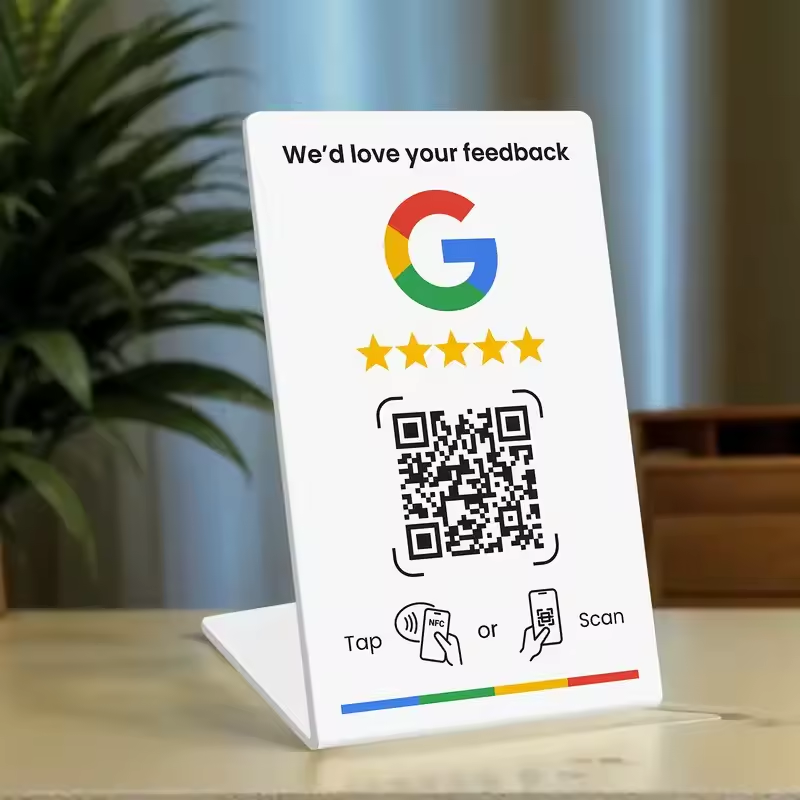
Tap or scan
The customer taps the NFC tag or scans the QR code and lands straight on the business's Google review form.
Reviews compound
Fresh reviews lift the business in local search — owners see the difference within weeks.
You keep the margin
Stands cost a few euros each. Sell them configured and delivered at the price you choose.
How to set it up
The stand ships blank: you point it at the business's Google review form yourself. Five minutes, once.
1. The QR code
Grab the business's Google review form link (search.google.com/local/writereview?placeid=…). On nfckin.com paste that link, generate the QR code and download it: print it or apply it in the stand's dedicated slot. Anyone who scans it lands straight on the form.
nfckin.com2. The NFC tag
Install the free NFC Tools app, open Write → Add a record → URL, paste the same review link and hold the phone against the stand: the tag is written. From then on a single tap opens the form.
NFC Tools is available here:


On the map, businesses that need one are pink: fewer than 30 reviews or under ★ 4.0.
Find businesses that need one